

App Guides · Trichomes
How to Photograph Trichomes With Your Phone
The lens, light and focus routine that makes clear, cloudy and amber readable, and photos you can compare day to day.
3 min read
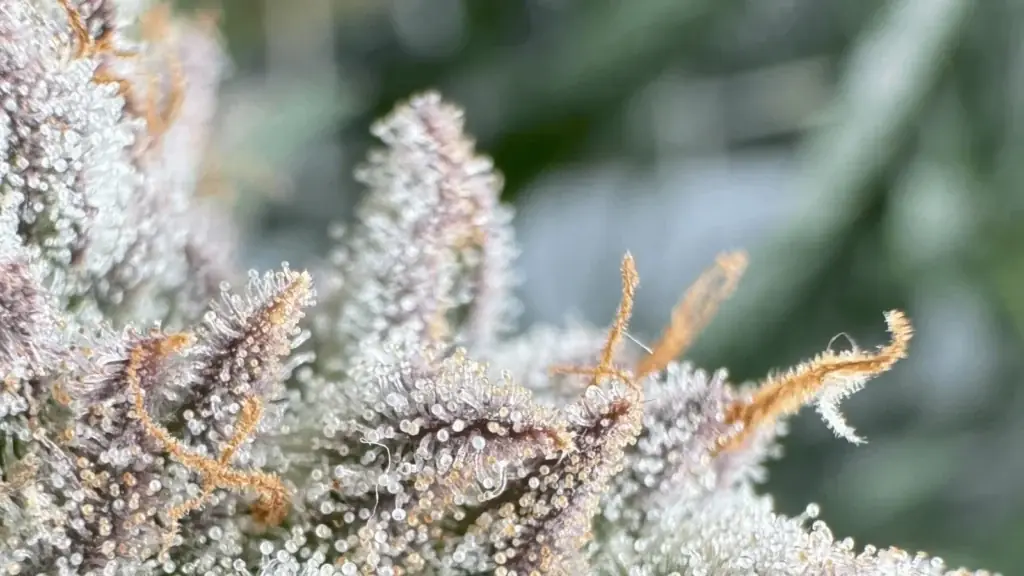
A good trichome photo is worth more than a good look through a loupe, because you can zoom into it later, compare it with last week’s and count what you see. The problem is that most trichome photos are blurry, badly lit or taken somewhere different each time. Here is a routine that fixes all three.
What you need
- A phone with a decent main camera. Recent iPhones have a macro mode that already gets close.
- A clip-on macro lens (optional but recommended). It brings you to a magnification where clear and cloudy can be told apart. See what magnification you need.
- A white light source: daylight from a window or a small white LED torch.
The routine, step by step
1. Clean the lens
Pocket lint and fingerprints soften the image before focus is even an issue. Wipe the phone lens and the clip-on lens every time.
2. Get the light right
Turn the grow light off or switch it to white if you can. Purple and warm light change the colours you are trying to judge, and amber is exactly the colour they distort. Light from the side brings out the shape of each head better than light from straight in front.
3. Brace the phone
At this magnification, the smallest movement blurs the shot. Rest the phone or your hand on the bud, the pot rim or a stake. Hold the bud steady with your other hand by the stem, not by the flower.
4. Tap, then lock focus
Tap on the calyx you want sharp. On iPhone, a long press locks focus and exposure. Then move the phone slowly towards or away from the bud until the heads snap into focus. Moving the phone works better than tapping again and again.
5. Shoot a burst and keep the best
Take five to ten shots. At high magnification only one or two will be truly sharp. Delete the rest.
Make photos comparable
One photo tells you where a plant is. A series tells you where it is going. To make a series useful:
- Shoot the same buds each time: one top, one middle, one low.
- Use the same light and roughly the same time of day.
- Shoot every 2–3 days in the last two weeks of flower.
- Label the photos by plant and date, or keep them in one album per plant.
Reading the photo
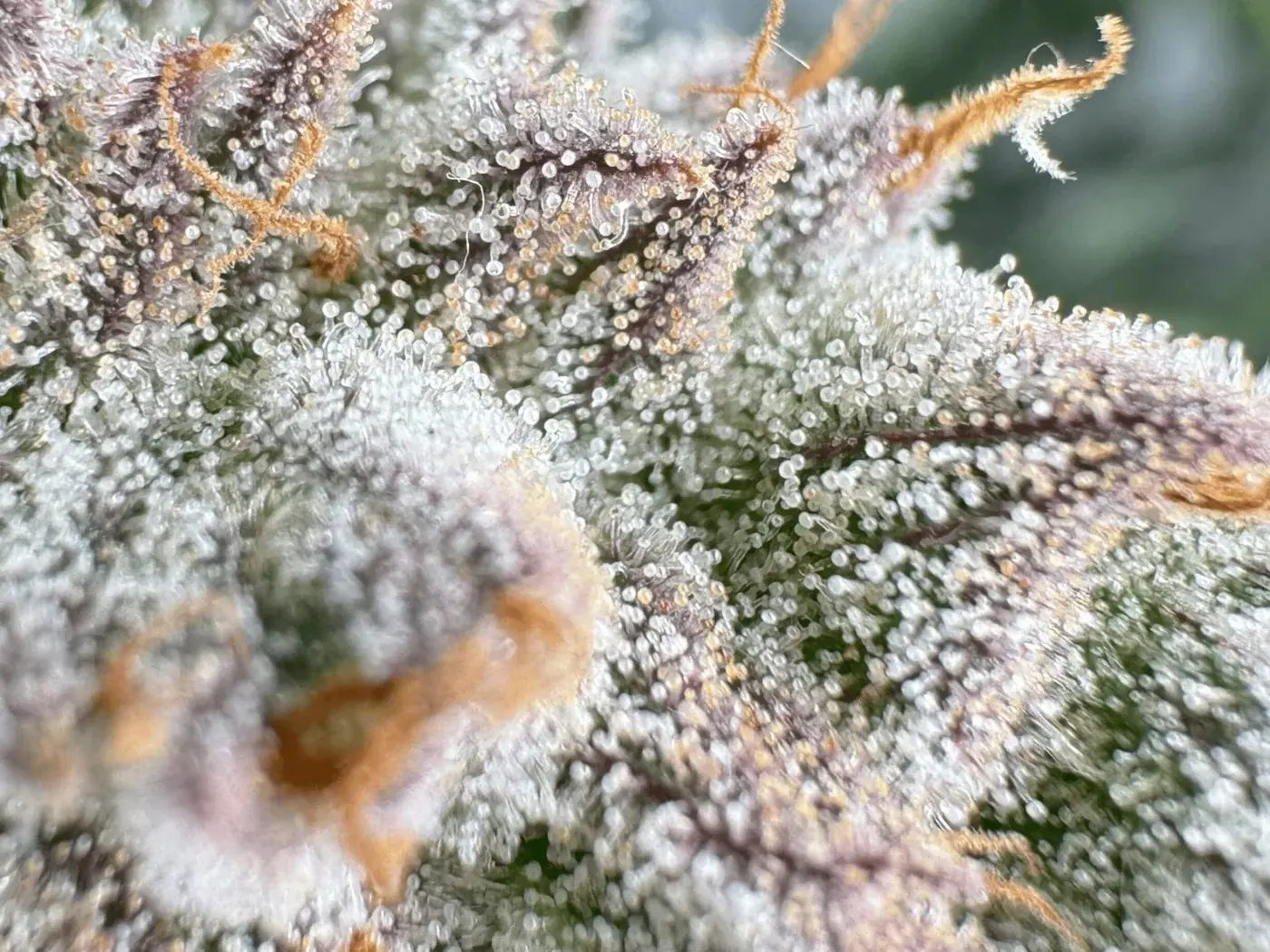
Zoom into a sharp area and estimate how many of about 20 heads are clear, cloudy and amber. Our trichome chart shows what each stage looks like.
Or let the phone do the counting. In GrowBotiq Lab you can shoot with the live camera or upload a photo from your library; the detection runs on the iPhone itself and returns the clear, cloudy and amber split, saved to the plant you choose. The upload guide walks through it.
Common problems
Everything looks white
Overexposed. Lock focus and exposure, then drag the brightness down a little.
Only a thin slice is sharp
That is normal at macro distances: depth of field is tiny. Focus on the heads in the middle of the frame and ignore the rest.
Colours look orange everywhere
The grow light is on, or the white balance is fooled by it. Use daylight or a white torch.